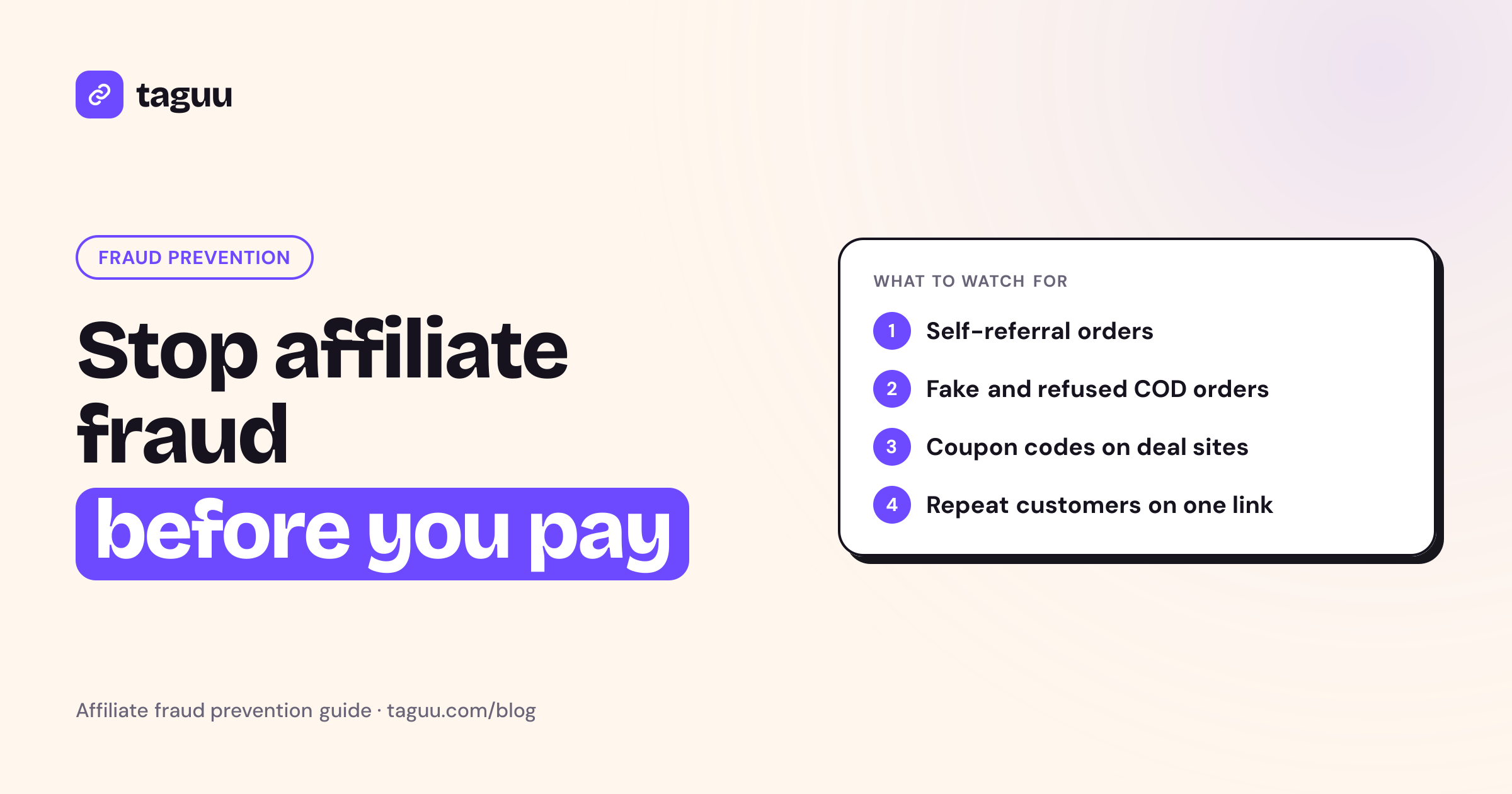
Affiliate fraud is any trick that makes a store pay commission for a sale the affiliate did not really earn. For most small Shopify stores, the two forms that cost the most are self-referrals and fake orders, and both get worse when you sell on cash on delivery (COD). This guide explains how each type of affiliate fraud works, the warning signs to watch for, and the simple rules that stop it before you pay out.
What counts as affiliate fraud?
An affiliate program pays partners for sales they bring in. Fraud happens when someone games the rules to get paid for a sale that was not new, not real, or not theirs.
It helps to separate three cases:
- The sale is not new. The affiliate buys from themselves, or sends people who were going to buy anyway.
- The sale is not real. The order is fake, gets refused at the door, or is returned after the commission is counted.
- The sale is not theirs. The affiliate steals credit for a sale another channel or partner created.
Not every odd pattern is fraud. A new affiliate may order your product once to test it. A family member may genuinely love your brand. Your job is not to punish people. It is to set clear rules, check orders before money moves, and only pay for real, delivered, new sales.
Self-referrals: when affiliates buy from themselves
A self-referral is when an affiliate uses their own link or coupon code to place an order. They get the customer discount and a commission on the same purchase. In effect, they get a bigger discount than any normal customer.
Why self-referrals happen
- The affiliate wants the product and sees the commission as a cashback.
- The program pays commission on every order with no rule against it.
- The affiliate wants to "hit" a bonus tier or a minimum payout threshold.
- A coupon code is shared inside a small circle of friends and family who would have bought anyway.
Warning signs of self-referrals
- The order email or phone number matches the affiliate's own details.
- The shipping address matches the affiliate's address, or is very close to it.
- The first and only orders from a new affiliate come right after sign-up.
- The same customer orders again and again through the same affiliate.
How to stop self-referrals
- Write it in your terms. State clearly that orders placed by the affiliate, or for their own use, do not earn commission. If you do not have terms yet, start with our affiliate program terms and conditions template.
- Match contact details automatically. Compare the order email and phone with the affiliate profile. A match should mean no commission and a flag for review.
- Watch repeat customers. One customer buying many times through the same affiliate is worth a look. It can be a loyal fan, or it can be an affiliate earning on their own household.
- Offer a separate perk instead. If you want affiliates to use your product, give them a free sample or a fixed affiliate discount with no commission attached. That removes the reason to self-refer.
Fake orders: the COD problem
On card payments, a fake order usually fails at checkout or turns into a chargeback. On cash on delivery, there is no payment at checkout. Anyone can place an order with a name and a phone number. That makes fake orders much easier.
How fake orders show up
- Orders that are never meant to be accepted. An affiliate places orders with made-up or borrowed details. The courier arrives, and nobody pays.
- Real people, low intent. An affiliate pushes friends to place orders "just to try," and many of them refuse the parcel.
- Order-and-return. The order is delivered and paid, then returned after the commission has already been counted.
- Duplicate orders. The same person places several orders for the same item, and only one (or none) is accepted.
Each of these costs you twice. You pay for shipping and handling, and if your program pays on order placement, you pay commission too.
Warning signs of fake orders
- A high share of an affiliate's orders are cancelled, refused or returned.
- Many orders use phone numbers that do not answer when you call to confirm.
- Addresses are incomplete, repeated, or do not match the city or region.
- Order volume from one affiliate jumps sharply with no new content or campaign behind it.
How to stop fake orders
The strongest fix is simple: only approve commission after the order is delivered and paid, then wait a short hold period for returns. We cover this model in depth in COD affiliate marketing: pay commission only on delivered orders.
Other useful steps:
- Call or message to confirm COD orders before you ship them.
- Reverse commission automatically when an order is cancelled, refused, returned or refunded.
- Recalculate commission when an order is only partly refunded.
- Review affiliates whose refusal rate is far above your store average.
Other common types of affiliate fraud
Self-referrals and fake orders are the main risks for small stores. But you should know the other patterns too.
Coupon leaking
An affiliate's coupon code ends up on public coupon and deal sites. Shoppers who were already at your checkout find the code, apply it, and the affiliate gets credit. The sale was not new. You paid a discount and a commission for nothing.
How to limit it:
- Ban posting codes on coupon sites in your terms.
- Use one code per affiliate, so you can see exactly whose code leaked.
- Change or disable a code that keeps showing up where it should not.
- Track sales by link as well as by code, so you can see where traffic came from.
Brand bidding
An affiliate runs paid search ads on your brand name. People who searched for your store by name click the affiliate's ad first, and the affiliate takes credit for a visit you would have received for free. Most programs simply forbid bidding on the brand name and its misspellings.
Cookie stuffing
The affiliate drops a tracking cookie on a visitor's browser without a real click, for example through hidden page elements. The sale itself is real, but the credit is false. Clear rules, last-click attribution and a habit of checking where an affiliate's traffic comes from all help.
Attribution hijacking
Some partners try to grab the last click right before checkout, for example with browser extensions that insert their own link. A clear attribution rule, written in your terms, makes disputes easier to settle.
Quick reference: fraud types, signs and fixes
| Fraud type | What happens | Warning signs | Best fix |
|---|---|---|---|
| Self-referral | Affiliate buys with own link or code | Order email or phone matches affiliate | Auto-match contact details, no commission |
| Fake COD orders | Orders never accepted or paid | High refusal rate, unreachable phones | Pay only after delivery and payment |
| Order-and-return | Order returned after commission counted | Returns cluster on one affiliate | Hold period plus automatic reversal |
| Repeat customer farming | Same buyer orders many times via one affiliate | Same email or phone on many orders | Flag and review repeat customers |
| Coupon leaking | Code posted on deal sites | Code use with no link clicks | One code per affiliate, rules, rotate codes |
| Brand bidding | Ads on your brand name | Paid search traffic on brand terms | Ban in terms, monitor search ads |
| Cookie stuffing | Cookie set with no real click | Sales with no matching engagement | Clear rules, last-click attribution, audits |
Build a fraud-resistant affiliate program
You do not need expensive tools to stay safe. Most fraud stops when the program design removes the reward for cheating.
1. Set the rules before you recruit
Write down what earns commission and what does not. Cover self-purchases, coupon sites, brand bidding, fake orders and what happens when an order is cancelled or returned. Ask every affiliate to accept these terms when they sign up.
2. Keep commission pending until the money is real
Use three states for every commission: pending, approved and paid. A commission should stay pending until the order is delivered, paid, and past a hold period that covers your return window. Typical starting points for a hold period are 7 to 30 days, depending on your return policy.
3. Reverse automatically
Do not rely on memory or spreadsheets to remove commission from bad orders. Cancelled, refused, returned and refunded orders should reverse on their own. Partial refunds should lower the commission to match.
4. Check before every payout
Before you send money, look at each affiliate's:
- Number of approved orders versus cancelled or refused orders
- Any flagged self-referral or repeat-customer orders
- Sudden spikes compared with the previous period
Then record each payout with a reference number so you have a clear history. Our guide on how to pay affiliates covers payout methods and records.
5. Talk before you ban
When you see a red flag, ask the affiliate first. Many issues are honest mistakes, such as sharing a code in a large group chat without knowing the rules. Give a warning, explain the rule, and remove the affiliate only if the pattern continues. A fair process keeps good partners loyal.
6. Watch the right numbers
Track a few simple metrics for each affiliate:
- Delivery rate: delivered orders divided by total orders.
- Refusal and return rate: compare with your store average.
- New vs repeat customers: a healthy affiliate brings mostly new buyers.
- Link vs coupon sales: a code with many sales but almost no link clicks may be leaking.
What not to do
- Do not pay on order placement for COD. It invites fake orders.
- Do not hide your rules. Affiliates cannot follow terms they never saw.
- Do not share customer details with affiliates. Show them order counts and earnings, not names, phones or addresses.
- Do not treat every flag as guilt. Review it, then decide.
How Taguu helps
Taguu is a Shopify affiliate app built for COD stores, and it includes checks for the fraud patterns above:
- COD-safe commissions: commission stays pending until the order is delivered (and paid for COD), plus a hold period (7 days by default). Cancelled, refused, returned and refunded orders are reversed automatically, and partial refunds recalculate.
- Self-referral checks: if the order email or phone matches the affiliate, no commission is given and the order is flagged.
- Repeat customer flags: repeat customers through one affiliate are flagged for review.
- Clear attribution: affiliate coupon first, then UTM last click, then a referral cookie saved on the cart, which works with COD form apps.
- Privacy: the affiliate portal shows orders, earnings and payouts, but no customer details.
There is a Free plan for up to 50 affiliate orders per month, and 0% fee on sales on every plan. You can install Taguu and start with the free plan.
FAQ
What is self-referral in affiliate marketing?
Self-referral is when an affiliate uses their own link or coupon code to buy from your store. They get a discount and a commission on their own order. Most programs do not pay commission on these orders.
How do I detect fake orders from affiliates?
Look for a high rate of cancelled, refused or returned orders, phone numbers that do not answer, and sudden spikes in volume. The safest protection is to approve commission only after an order is delivered and paid.
Should I pay affiliates when an order is placed?
Not for cash on delivery. Keep commission pending until the order is delivered, paid and past a short hold period. Then approve it. This removes the reward for fake and refused orders.
Is coupon leaking a form of affiliate fraud?
It can be. If an affiliate posts their code on coupon sites, they get credit for shoppers who were already buying. Ban it in your terms and use one code per affiliate so you can trace leaks.
Should I remove an affiliate after one flagged order?
Usually not. Review the order, talk to the affiliate and explain the rule. Remove them only if the pattern continues or the fraud is clearly deliberate.