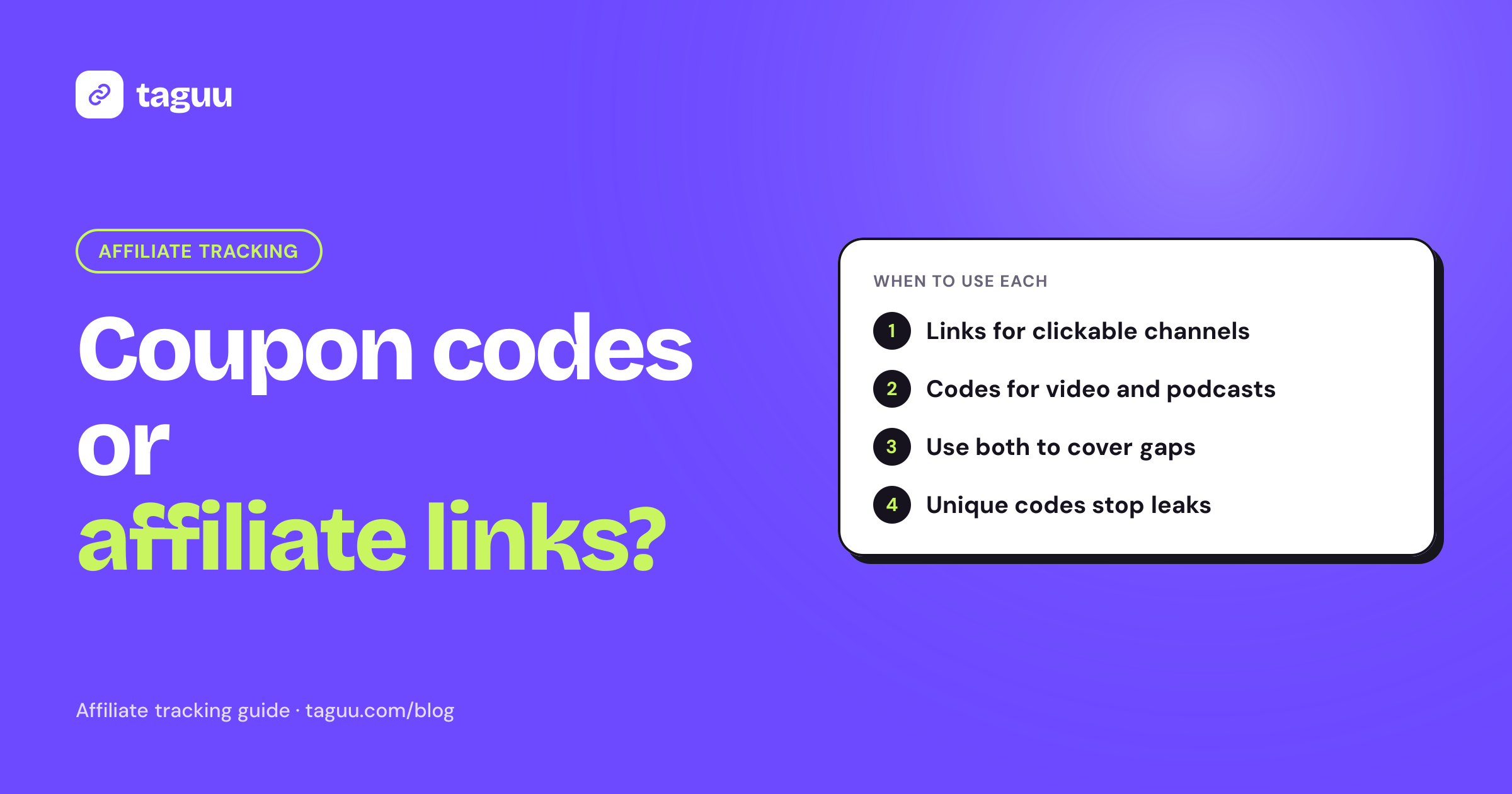
Affiliate coupon codes vs affiliate links is one of the first choices you make when you start an affiliate program. A link tracks the click, while a code tracks the purchase, and each one breaks in a different way. This guide explains how both work on Shopify, where each one wins, and why most stores end up using both.
The short answer
- Affiliate links are best when the affiliate sends traffic from a place where people can click: a blog, a YouTube description, a link-in-bio page, an email or a WhatsApp message.
- Affiliate coupon codes are best when people cannot click easily: a video, a podcast, an Instagram Story with no link, a TikTok spoken shout-out, or a word-of-mouth tip.
- Both together give you the most complete tracking. The link catches shoppers who click. The code catches shoppers who saw the post, left, and came back later on another device.
If you only remember one thing: give every affiliate a link, and give a code to the affiliates whose audience will not click.
How affiliate links work
An affiliate link is a normal store URL with extra tracking information on the end. For example:
https://yourstore.com/products/face-serum?ref=sara&utm_source=affiliate&utm_medium=referral&utm_campaign=sara
When a shopper clicks it, your affiliate app reads the referral code (here, sara) and remembers it. Most apps do this with a cookie or a value saved on the cart. If the shopper buys, the order is credited to that affiliate.
The UTM tags (utm_source, utm_medium, utm_campaign) are a standard way to label traffic. They also let you see affiliate traffic in your analytics tools, separate from ads or organic search.
Strengths of affiliate links
- No discount needed. You can pay a commission without giving away margin on every order.
- Deep linking. An affiliate can link to any product or collection, not just the home page. A link straight to the product usually converts better than a link to the home page.
- Click data. You see how much traffic each affiliate sends, not just how many sales.
- Harder to leak. A link with a referral code can be copied, but it does not give strangers a discount, so coupon sites have little reason to post it.
Weaknesses of affiliate links
- Device switching. A shopper sees the link on their phone and buys later on a laptop. The cookie is on the phone, so the sale may not be tracked.
- Cookie loss. Private browsing, cleared cookies and some in-app browsers can drop the referral before checkout.
- No click, no credit. If the shopper types your store name into Google instead of clicking, the link never fires.
- Last click. If the shopper clicks another affiliate's link later, the later click usually wins. That is fair in most cases, but it can feel unfair to the first affiliate.
How affiliate coupon codes work
An affiliate coupon code is a discount code that belongs to one affiliate, such as SARA10. The shopper types it at checkout, gets a discount, and the order is credited to the affiliate who owns that code.
On Shopify, you create the code as a normal discount in your admin. Your affiliate app then links that code to the affiliate. When an order uses the code, the app knows who to pay.
Shopify also lets you share a discount as a link (in the admin under the discount's promote options). The link applies the code when the shopper reaches checkout. Behavior can vary by theme and checkout setup, so test it on your own store before you rely on it.
Strengths of affiliate coupon codes
- Works without a click. A podcast host can say "use code SARA10" and you still get clean tracking.
- Survives device switching. The code goes wherever the shopper goes. Phone, laptop or a friend's tablet, the code still works.
- Clear attribution. If the order has the code, you know which affiliate drove it. There is little guesswork.
- Gives the shopper a reason to buy now. A small discount can push a hesitant shopper to finish the order.
Weaknesses of affiliate coupon codes
- Costs margin on every order. Every coded order pays a discount and a commission. Plan for both.
- Code leakage. Codes get copied to coupon websites, browser extensions and group chats. Then people who never saw the affiliate's content use the code, and you pay commission on sales the affiliate did not drive.
- Discount hunters. A shopper who was already at checkout may search "yourstore coupon", find the affiliate's code, and use it. The affiliate gets credit for a sale they did not influence.
- Trains shoppers to wait. If codes are everywhere, some customers stop paying full price.
Side-by-side comparison
| Factor | Affiliate links | Affiliate coupon codes |
|---|---|---|
| Needs a click | Yes | No |
| Works across devices | Often not | Yes |
| Cost per order | Commission only | Commission plus discount |
| Risk of leaking to coupon sites | Low | Medium to high |
| Shows traffic and clicks | Yes | No |
| Best channels | Blogs, email, link-in-bio, WhatsApp | Video, podcasts, Stories, offline |
| Shopper motivation | Content and trust | Content, trust and a discount |
Which one should you use?
Use links first when
- Your margins are thin and you cannot afford a discount on every affiliate order.
- Your affiliates are bloggers, review sites or email newsletter owners.
- You want to see which affiliates send traffic, so you can coach the ones who get clicks but few sales.
- You have had coupon codes leak before.
Use codes first when
- Your affiliates are creators on video platforms, where viewers often do not click.
- Your audience switches devices a lot, for example finding you on a phone and buying on a desktop.
- You sell a product where a small discount clearly helps conversion, such as a first-time purchase.
- Your affiliates share offline, at events, in shops or by word of mouth.
Use both when
In most cases, this is the right answer. Give every affiliate a tracked link. Then add a personal code for the affiliates whose channels need it. The two methods cover each other's gaps:
- The shopper clicks the link and buys on the same device: the link tracks it.
- The shopper sees the video, opens your store later and types the code: the code tracks it.
Make sure your affiliate app has a clear rule for which one wins if both are present. If an order has a code, most stores give credit to the code owner, because the shopper chose that code on purpose.
Cash on delivery stores: a special case
If you sell on cash on delivery (COD), both methods need extra care.
Links and COD forms. Many COD stores use a form app that creates the order directly, without the normal Shopify checkout. If your tracking only looks at checkout, the referral can get lost. Your affiliate app needs a way to keep the referral on the cart or order so COD forms do not break attribution.
Codes and COD forms. Check that your COD form app supports discount codes at all. Some do, some do not, and some only support certain discount types. Test a full order with a code before you give codes to affiliates.
Commissions and refused orders. On COD, a tracked order is not a paid order. Customers can refuse the parcel at the door. If you pay commission on order placement, you pay for orders that never bring in money. A safer rule is to approve commission only after the order is delivered and paid, plus a short hold period for returns. Read more in our guide to COD affiliate marketing.
How to stop coupon code leakage
If you use codes, plan for leaks from day one. These are common, practical steps:
- Give each affiliate a unique code. Never share one code across many affiliates. Unique codes show you exactly where a leak came from.
- Keep the discount modest. A smaller discount is less attractive to coupon sites. Typical starting points are 5% to 15%, but test what works for your margins.
- Add limits. Shopify discounts can have a minimum order value, an end date, a usage limit, and a limit of one use per customer. Use them.
- Watch for odd patterns. A sudden jump in orders on one code, with no new content from the affiliate, often means the code is on a coupon site.
- Retire and reissue. If a code leaks, turn it off and give the affiliate a new one. Explain why, and update your program terms so affiliates know they cannot post codes on coupon sites.
- Check for self-referrals. Some "leaks" are the affiliate using their own code on their own orders. Our guide on affiliate fraud: self-referrals and fake orders covers how to spot this.
Setting up links and codes on Shopify
A simple setup that works for most small stores:
- Create the affiliate in your app. The app generates a tracked link with a referral code and UTM tags.
- Create a discount code in Shopify (for example,
SARA10) with sensible limits. - Assign the code to the affiliate in your affiliate app.
- Send the affiliate both. Explain when to use each: "Put the link in your bio and your captions. Say the code out loud in videos."
- Test one order with the link and one with the code. Confirm that both show up under the right affiliate.
- Review monthly. Look at clicks, orders by link, orders by code and cancelled orders. Adjust codes and commission rules as needed.
If you are starting from scratch, our step-by-step guide to starting a Shopify affiliate program walks through the full setup, from commission rates to recruiting.
Common mistakes to avoid
- Giving codes only. You lose click data and pay a discount on every order, even when the affiliate's audience would have clicked a link.
- Giving links only to video creators. Many viewers never click, so good affiliates look like they are not performing.
- One shared code for everyone. You cannot tell which affiliate drove the sale, and you cannot shut down a leak without affecting everyone.
- No rule for conflicts. If one order has a code from one affiliate and a link click from another, decide in advance who gets paid, and write it in your terms.
- Paying before delivery on COD. Refused and returned orders will cost you twice: the shipping and the commission.
How Taguu helps
Taguu is a Shopify affiliate app built for COD stores, and it supports both methods:
- Every affiliate gets a tracked link for any product (UTM tags plus a ref code), and you can assign an optional coupon code per affiliate that you create in Shopify.
- Attribution checks the affiliate coupon first, then the UTM last click, then a referral cookie saved on the cart, so tracking works with COD form apps.
- Commissions stay pending until the order is delivered (and paid, for COD) plus a hold period, and cancelled, refused, returned or refunded orders are reversed automatically.
- Self-referrals are flagged and earn no commission.
There is a free plan for up to 50 affiliate orders per month, and a 0% fee on sales on every plan. Install Taguu to try it on your store.
FAQ
Are affiliate coupon codes or affiliate links more accurate?
Codes are more accurate for the orders that use them, because the shopper entered the code on purpose. Links track more of the journey, including clicks, but can lose sales when shoppers switch devices or clear cookies. Using both gives the most complete picture.
Do I have to give a discount with an affiliate coupon code?
In practice, yes. Shoppers need a reason to type a code, and on Shopify an affiliate code is a discount code. Keep the discount small and add limits so your margins stay safe.
What happens if an order has both an affiliate code and an affiliate link click?
It depends on your affiliate app's rules. Many stores give credit to the code owner, because the shopper chose that code at checkout. Whatever rule you use, write it in your affiliate terms so affiliates know in advance.
How do I stop affiliates from posting codes on coupon sites?
Ban it in your program terms, use a unique code per affiliate, keep discounts modest, and watch for sudden spikes on one code. If a code leaks, deactivate it and issue a new one.
Do coupon codes work with cash on delivery orders?
They can, but it depends on your COD form app. Test a full order with a code before launch, and only approve commissions after the order is delivered and paid.