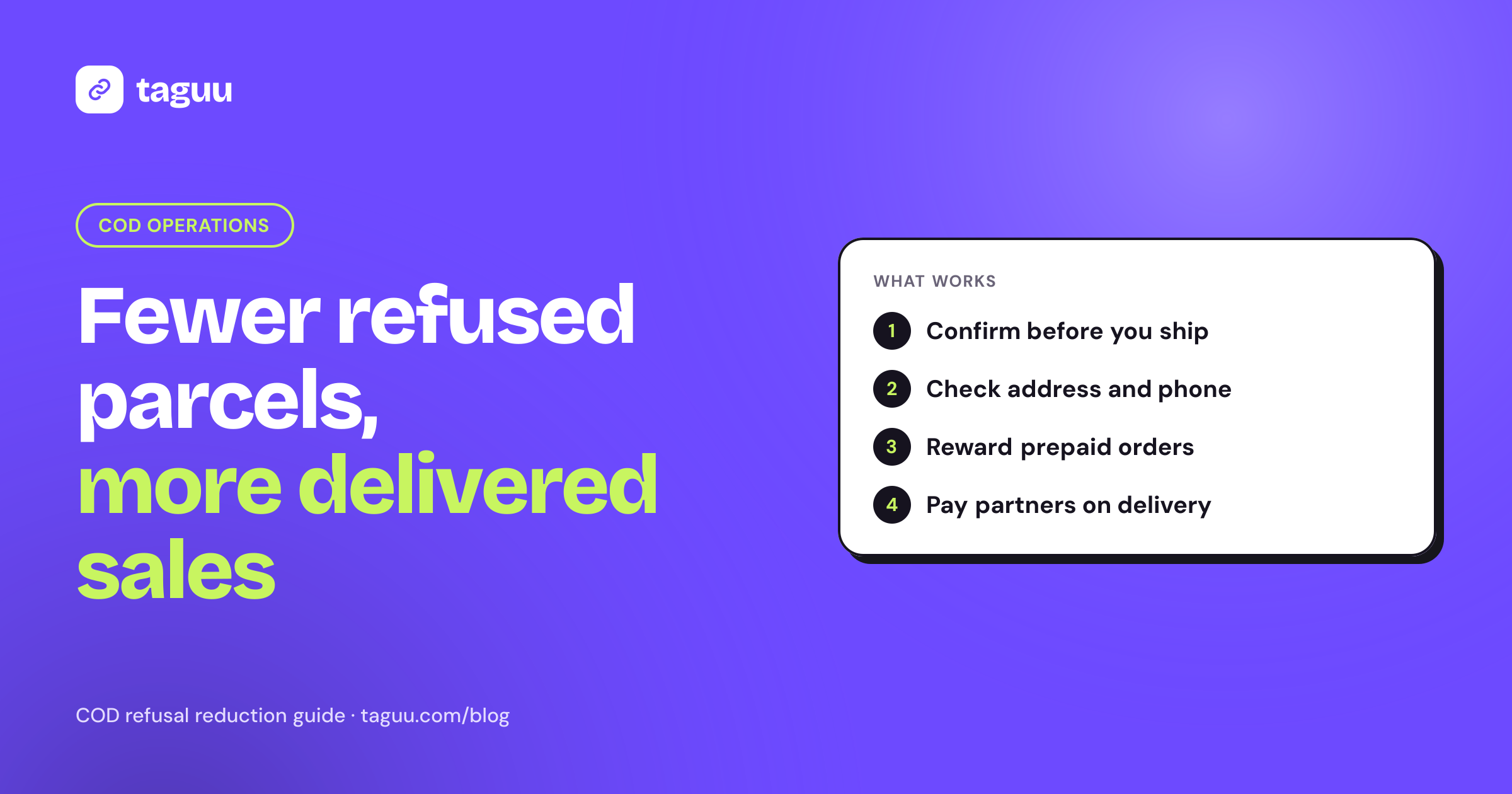
If you run a cash on delivery store, you already know the pain: an order looks like a sale until the courier comes back with the parcel. Learning how to reduce COD order cancellations and refusals is one of the fastest ways to protect your margins, because every refused parcel costs you shipping both ways, packing time and stock that sits in transit. This guide covers the causes, the checks that work before and after dispatch, and how to keep your marketing partners from adding to the problem.
Why COD orders get cancelled or refused
A COD buyer has paid nothing when they click "Place order." That makes ordering easy, and it also makes walking away easy. Most failed COD orders come from a small set of causes:
- Impulse orders. The buyer saw an ad, ordered in seconds, and changed their mind by the time the parcel arrived.
- Wrong or incomplete details. A missing house number, a wrong phone digit or a vague landmark means the courier cannot find the buyer.
- Duplicate orders. The buyer submitted the form twice, or ordered the same item from two stores to compare.
- Slow delivery. The longer the wait, the more likely the buyer has bought elsewhere or lost interest.
- No cash at the door. The buyer is not home or does not have the amount ready.
- Expectation gap. The product page, price or delivery fee did not match what the buyer expected.
- Fake or prank orders. Some orders were never meant to be accepted, including orders placed to game a commission or a promotion.
The good news is that most of these causes can be caught or reduced before the parcel leaves your warehouse.
Cancellations vs refusals: know the difference
These two words are often mixed up, but they cost you very different amounts.
| Cancellation | Refusal (return to origin) | |
|---|---|---|
| When it happens | Before dispatch | At the door, after shipping |
| Who triggers it | Buyer or store | Buyer or failed delivery |
| Shipping cost | Usually none | Forward and return shipping |
| Stock impact | Item stays on the shelf | Item is in transit for days |
| What to aim for | Catch bad orders here | Make this rare |
A cancellation before dispatch is a cheap outcome. A refusal after dispatch is an expensive one. So the goal is not zero cancellations. The goal is to move as many bad orders as possible from "refused at the door" to "cancelled before shipping."
Before dispatch: verify every COD order
Confirm the order with the buyer
The single most common step COD stores take is order confirmation. Before you pack, contact the buyer and ask them to confirm the order, the address and the total amount.
- WhatsApp or SMS confirmation. Send a short message with the items, total and address, and ask the buyer to reply or tap a button to confirm. Many Shopify apps can send this automatically when a COD order is created.
- Phone call. Slower, but useful for high-value orders or buyers who do not reply to messages.
- Speed matters. Confirm within minutes or hours, not days. The buyer still remembers the order and still wants it.
Decide what happens to orders that never confirm. A common rule is to try two or three times over 24 to 48 hours, then cancel. Keep the rule simple and apply it every time.
Check the address and phone number
- Make address fields clear on your COD form: area, street, house or building number, and a landmark where that is how deliveries work.
- Validate phone number length and format on the form.
- Use the confirmation message to fix gaps. "Can you share a nearby landmark?" saves a failed delivery later.
Catch duplicates and suspicious patterns
Look for the same phone number or address placing several orders in a short time, unusually large quantities on a first order, or names and addresses that are clearly fake. Hold these orders and confirm them by phone before you ship.
Keep a simple risk list
You do not need complex software to start. A shared list of phone numbers or addresses with a history of refusals helps your team decide when to ask for confirmation by call, request an advance payment, or decline to ship. Treat it carefully and use it only to protect your store.
At checkout: set clear expectations
Many refusals start on the product page. If the buyer is surprised at the door, they say no.
- Show the full price early. Product price, delivery fee and any COD fee should be visible before the buyer submits the form.
- Show a realistic delivery time. "Delivered in 3-5 working days" is better than no estimate.
- Use real photos and accurate sizes. For fashion and beauty, size charts and shade details reduce "this is not what I ordered" refusals.
- Make the return policy easy to find. Buyers who know they can return are less likely to refuse out of doubt.
Give buyers a reason to prepay
Every order that moves from COD to prepaid removes the refusal risk for that order. You do not have to remove COD, which may cost you sales in markets where buyers trust it. Instead, give buyers a choice.
Prepaid incentives
Offer a small discount, free shipping or a free gift for paying online. For example, "Pay online and save $2" on a $30 order. Some stores also send a payment link in the confirmation message so the buyer can switch to prepaid after ordering.
Partial advance payment
Ask for a small part of the total upfront, such as the delivery fee, and collect the rest at the door. A buyer who has already paid something is more committed. Shopify does not offer partial COD payments out of the box, so stores usually add this with a COD or checkout app. Many stores use it only for higher-value orders or first-time buyers, so regular customers keep a smooth checkout.
COD fee
A small COD fee covers part of your cash handling and refusal costs. It does not stop refusals by itself, but it makes the prepaid option look better. Show it clearly before checkout so it does not become a surprise.
Test these options one at a time and compare your delivery rate before and after, so you know what actually works for your buyers.
After dispatch: keep the buyer engaged
Once the parcel is on its way, your job is to make sure the buyer is ready to receive it.
- Send a shipped message with the tracking link and expected delivery day.
- Send an "out for delivery" reminder on the day, including the amount to pay so the buyer has cash ready.
- Give the courier the confirmed landmark and phone number.
- Handle failed attempts fast. If the courier cannot reach the buyer, contact the buyer yourself and arrange a new time before the parcel is sent back.
Delivery speed matters too. If you can ship the same day or the next day after confirmation, the buyer has less time to change their mind.
Make sure your marketing does not create bad orders
Your traffic sources shape your delivery rate. Ads with misleading claims, heavy discounts or unclear prices tend to bring impulse orders. The same is true for partners such as affiliates and influencers.
If you pay affiliates a commission on every placed COD order, you reward volume, not real sales. A partner can send hundreds of orders that never get accepted, and you pay commission on top of the shipping losses. Some may even place fake orders themselves.
A safer setup looks like this:
- Pay commission only on delivered and paid orders. Keep commissions pending until the courier confirms delivery and the cash is collected. We explain this model in detail in COD affiliate marketing: pay commission only on delivered orders.
- Add a short hold period after delivery so returns and refunds can come in before you approve the commission.
- Reverse commissions automatically for cancelled, refused, returned or refunded orders.
- Watch for self-referrals and fake orders. If an affiliate's own phone number or email shows up on orders, that is a warning sign. See how to stop self-referrals and fake orders for more checks.
- Brief partners on honest promotion. Ask them to show the real price, delivery fee and delivery time. If they share products on WhatsApp, give them approved messages to use, as covered in our guide to WhatsApp marketing with affiliates.
When partners only earn on delivered orders, their interest matches yours. They send buyers who actually want the product.
Track the right numbers
You cannot reduce what you do not measure. Track these numbers every week, overall and by traffic source:
- Confirmation rate: confirmed COD orders divided by all COD orders.
- Pre-dispatch cancellation rate: orders cancelled before shipping.
- Delivery rate: delivered orders divided by shipped orders.
- Refusal or return to origin rate: parcels sent back divided by shipped orders.
- Prepaid share: prepaid orders divided by all orders.
- Cost per delivered order: marketing and shipping costs divided by delivered orders, not placed orders.
Rates vary a lot by country, product category, courier and price point, so compare yourself mainly with your own past numbers. Break the numbers down by ad campaign, affiliate and region. You will often find that one source or one area causes a large share of refusals.
A simple weekly routine
- Review last week's refused orders and note the reason for each one where you know it.
- Check which traffic sources and partners had the lowest delivery rate.
- Update your risk list and confirmation rules.
- Fix any product page that keeps causing "not as expected" refusals.
- Test one change, such as a prepaid discount or a faster confirmation message, and measure it next week.
How Taguu helps COD stores with affiliate orders
Taguu is a Shopify affiliate app built for stores that sell on cash on delivery. It does not confirm orders or manage couriers, but it keeps your affiliate program from paying for refused parcels:
- Commissions stay pending until the order is delivered (and paid for COD), plus a hold period that defaults to 7 days.
- Cancelled, refused, returned and refunded orders are reversed automatically, and partial refunds recalculate the commission.
- Self-referrals, where the order email or phone matches the affiliate, get no commission and are flagged. Repeat customers through one affiliate are flagged too.
- Attribution works with COD form apps through a referral cookie saved on the cart.
There is a free plan for up to 50 affiliate orders per month and 0% fee on sales on every plan. You can install Taguu and set it up in your store.
FAQ
What is the main cause of COD refusals?
There is rarely one cause. Common reasons are impulse orders, wrong addresses or phone numbers, slow delivery and price surprises at the door. Order confirmation before dispatch catches many of these.
Should I stop offering cash on delivery?
Not necessarily. In many markets COD builds trust and brings sales you would otherwise lose. Most stores keep COD and add confirmation, prepaid incentives or a small advance payment for risky orders.
How quickly should I confirm a COD order?
As soon as possible, ideally within a few hours of the order. The buyer still remembers the purchase, and you can ship faster after confirmation.
Do partial advance payments reduce refusals?
They give the buyer a reason to accept the parcel, because they have already paid part of the total. Many stores use them only for high-value orders or first-time buyers to avoid hurting conversion.
How do I stop affiliates from sending orders that get refused?
Pay commission only on delivered and paid orders, add a short hold period, reverse commissions on refused or returned orders, and flag self-referrals. This way partners only earn when you earn.